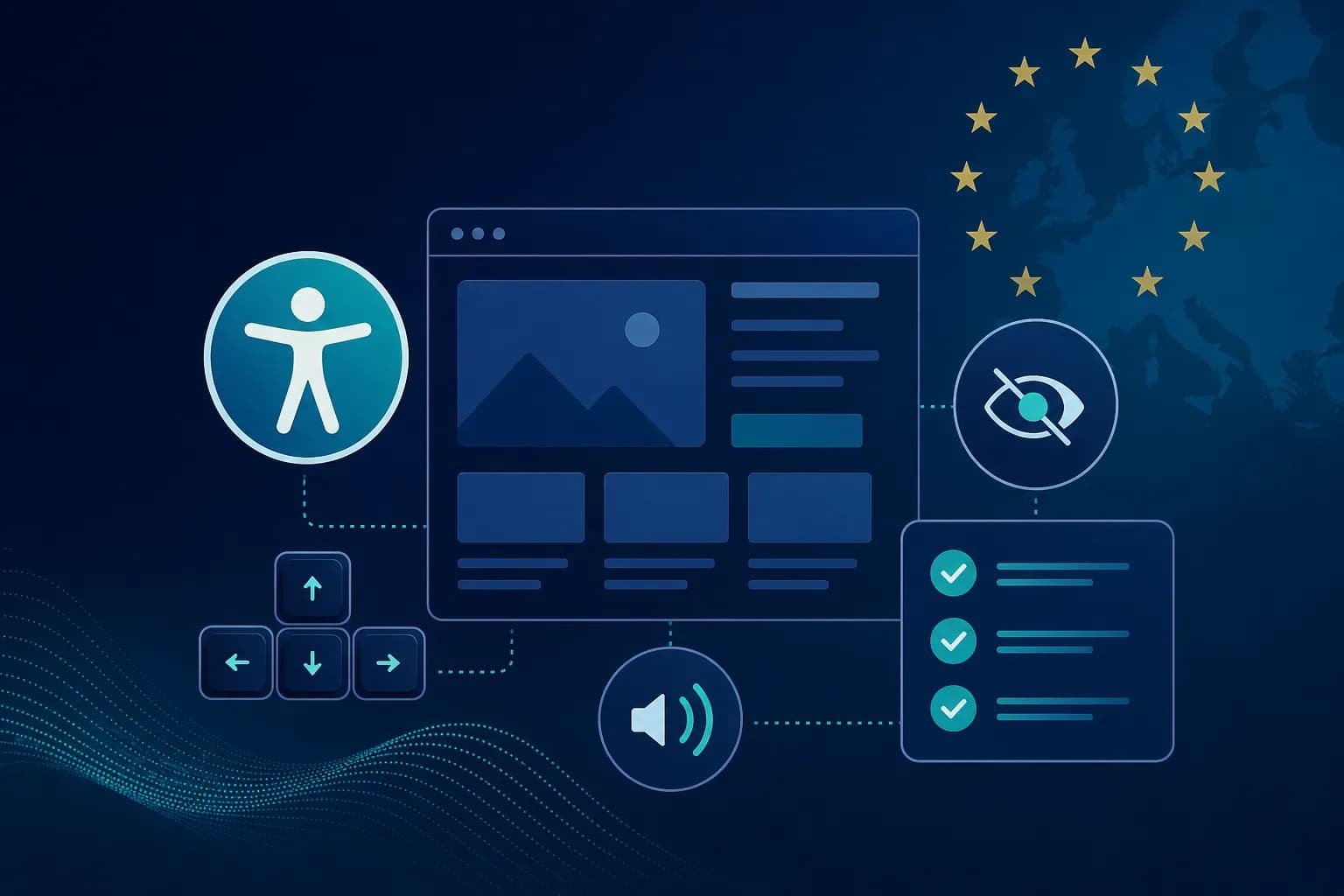
The European Accessibility Act (EAA) is an EU directive requiring certain digital products and services to be accessible to people with disabilities. For online stores, banks, transport services, SaaS platforms, and many other businesses this means compliance with web accessibility standards WCAG 2.1 AA and implementing features that allow all users to use the site without barriers.
If your business serves customers in the European Union, it is important to understand how EAA affects your website, what the deadlines are, and what actions you need to take.
What is the European Accessibility Act
The European Accessibility Act (EAA) is a legislative initiative of the European Union created to improve accessibility of products and services for people with disabilities.
The core idea is simple:
Every person should be able to use digital services regardless of physical, visual, hearing, or cognitive limitations.
This means sites, mobile apps, and digital platforms must be built so they can be used with:
- ✓screen readers
- ✓keyboard navigation
- ✓assistive technologies
- ✓alternative input methods
EAA takes effect for EU member states on 28 June 2025, and the transition period for full compliance continues until 2030.
Why EAA matters so much
Accessibility is often treated as a niche topic. The reality is different.
According to European statistics, approximately one in four adults in Europe lives with some form of disability. That means millions of potential users.
An inaccessible site:
- ✗limits access to your services
- ✗creates a poor user experience
- ✗reduces conversions
- ✗increases legal risk
From a business perspective, accessibility is not just a compliance requirement. It is an investment in a broader audience and a better user experience.
Who EAA affects
One of the most common questions is: does my site fall under EAA?
If you answer "Yes" to any of the following, you likely need to assess your obligations:
- ?Do you have an online store?
- ?Do you accept online payments?
- ?Do you offer bookings?
- ?Do you have a SaaS platform?
- ?Do you sell digital services?
- ?Do you serve customers in the EU?
- ?Do you have a mobile app?
Online stores
WooCommerce, Shopify, Magento, OpenCart, and custom eCommerce systems.
Banks and financial institutions
Online banking, credit services, and investment platforms.
Telecommunications companies
Customer portals and digital services.
Transport companies
Booking systems and ticket sales.
SaaS platforms
Web-based business solutions and software as a service.
What is WCAG 2.1 AA
When EAA is discussed, WCAG is almost always mentioned — Web Content Accessibility Guidelines. This is the international standard for web content accessibility.
The level most often required is WCAG 2.1 Level AA. It includes dozens of specific accessibility criteria.
The goal is for the site to be:
- ✓perceivable — information is available to all senses
- ✓operable — the interface can be used by everyone
- ✓understandable — content is clear and predictable
- ✓robust — works with assistive technologies
What an accessible site looks like in practice
Keyboard navigation
The user must be able to use the site without a mouse. All elements must be reachable via Tab, Enter, arrow keys, and keyboard shortcuts.
Screen reader support
People with visual impairments use software that reads page content aloud. That is why images must have meaningful alt text.
alt="Description of the image" instead of alt="image1"
Colour contrast
Insufficient contrast is one of the most common problems. Light grey text on a white background may look fine visually but can be practically unreadable for many users.
Proper heading structure
Instead of a chaotic sequence (H1 → H4 → H2 → H5), there should be a logical structure: H1 → H2 → H3 → H3 → H2. This helps both users and search engines.
EAA and online stores
Online stores are among those most affected by the new requirements. The reason is simple: every step of the purchase process must be accessible.
This includes:
- ✓product pages
- ✓cart
- ✓checkout process
- ✓payment
- ✓customer account
Most common problems on eCommerce sites
Inaccessible buttons
Buttons without clear labels — icons without text or aria-label.
Forms without labels
Fields must have clear label elements linked to input fields.
Incorrect checkout errors
Error messages must be readable by screen readers and point to the specific field.
Inaccessible product images
Missing alt text or generic descriptions that do not help the user.
EAA for WordPress sites
WordPress is the world's most popular CMS platform. That does not mean automatic EAA compliance.
Elementor and accessibility
Elementor can create beautiful design, but accessibility depends on how it is used. Common issues: missing ARIA attributes, incorrect heading structure, inaccessible popups.
WooCommerce and EAA
WooCommerce stores need special attention to product filters, checkout, registration, cart, and customer account.
Why accessibility improves SEO
This is a topic many businesses overlook. Much of good accessibility practice is also good SEO practice.
Alt text
Helps both screen readers and Google Images.
Semantic HTML
Improves how search engines understand the page.
Logical heading structure
Improves indexing and readability.
Better user experience
Leads to lower bounce rate and better behavioural signals.
How to run an EAA audit
Automated scanning
Tools like Lighthouse, WAVE, and axe DevTools can detect a large share of obvious issues.
Manual testing
The most important part. Check keyboard navigation, forms, checkout, and screen readers.
Remediation plan
Issues are prioritised by severity, complexity, and business impact.
Frequently asked questions
What is EAA?
The European Accessibility Act is an EU directive on accessibility of products and services.
Does it affect small businesses?
In certain cases there are exemptions, but accessibility is becoming an increasingly important business requirement.
What is WCAG 2.1 AA?
The most widely used standard for web accessibility.
Is my WordPress site automatically compliant?
No. Most WordPress sites require an audit and fixes.
What are the penalties?
They depend on national legislation and the severity of the violation.
Does accessibility affect SEO?
Yes. Many accessibility practices improve SEO performance.
// SINGULARITY EDGE STUDIO
How Singularity Edge Studio can help
At Singularity Edge Studio we perform EAA and WCAG 2.1 AA audits for corporate sites, WordPress, WooCommerce stores, and SaaS platforms.
- EAA auditsphase 1
- WCAG 2.1 AA auditsphase 2
- WordPress accessibility reviewsphase 3
- WooCommerce accessibility reviewsphase 4
- Technical fixes and consultingphase 5
You receive a detailed report, a prioritised issue list, and an action plan.
Security Audit services →
·
WordPress services
Want an EAA or WCAG audit for your site?
Free consultation — we analyse the current state and the specific steps for compliance.
Request a Security Audit →Conclusion
The European Accessibility Act is changing how businesses must approach digital accessibility. This is no longer optional best practice — it is a real requirement that will affect online stores, SaaS platforms, corporate sites, and digital services across the European Union.
The sooner you start preparing, the easier and cheaper compliance will be.
// TOPICS
Author
Singularity Edge Studio
Engineering studio for web and software — Plovdiv, Bulgaria. We build corporate sites, SaaS, e-commerce, and DevOps infrastructure with a focus on measurable outcomes.
// MORE ARTICLES
Zero Trust Security — The New Standard for Web Security
The Castle-and-Moat model is dead. Zero Trust requires explicit verification of every request — MFA, microsegmentation, API protection, supply chain security, and OWASP Top 10. Full technical guide for 2026.
SecurityPasskeys — the end of passwords and why your website should support them in 2026
Passkeys replace passwords with cryptography and biometrics. Why 81% of breaches come from passwords, how WebAuthn works, comparison with 2FA, 90-day implementation plan and GDPR compliance.
SecurityGDPR for websites in 2026 — complete guide for businesses, online stores and WordPress sites
Practical guide to GDPR compliance: privacy policy, Cookie Consent, Google Analytics, Meta Pixel, contact forms, WordPress, WooCommerce and a checklist for every business website.