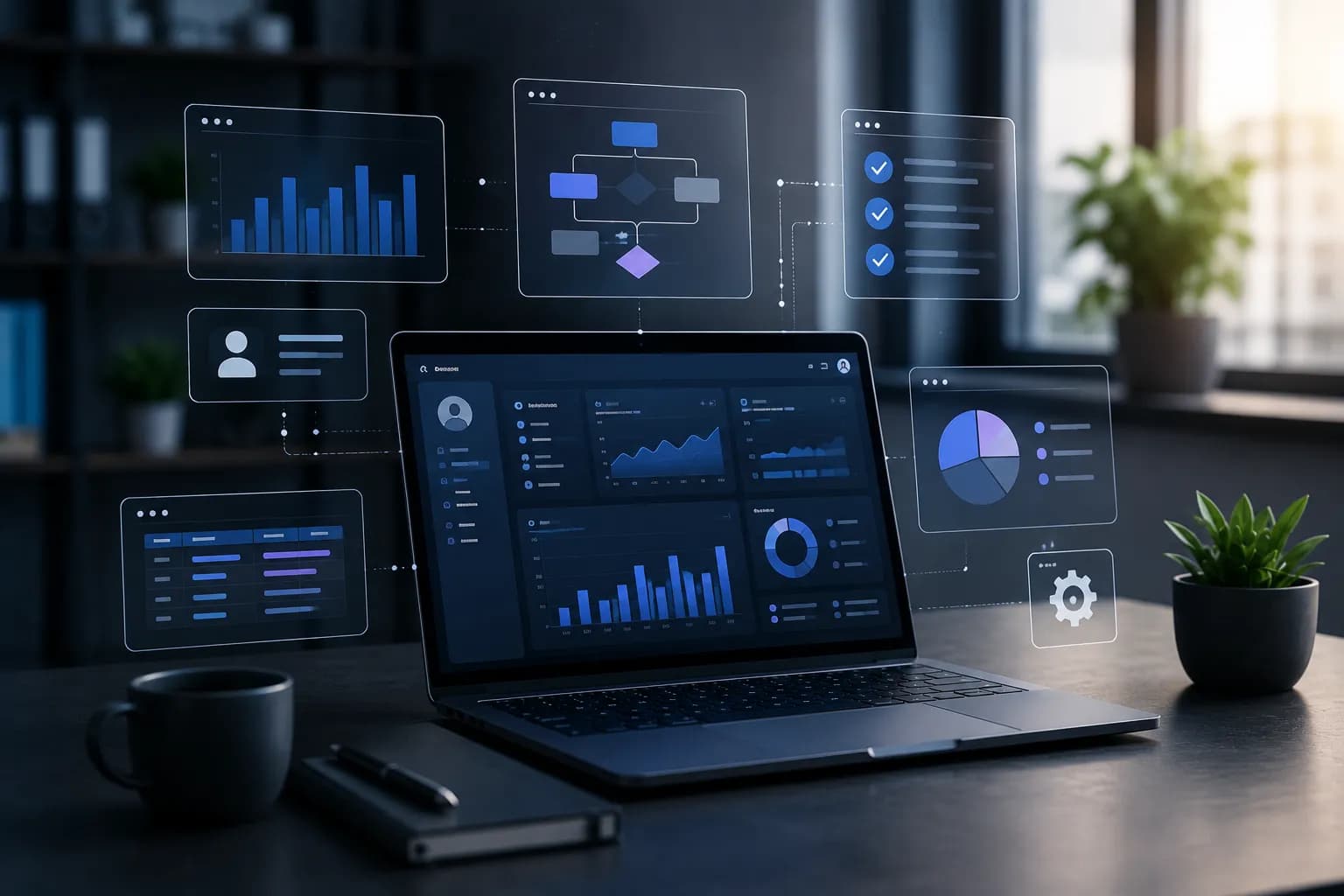
Internal tools are internal software systems built specifically for an organisation's needs. They automate processes, unify data from different sources, reduce manual work and improve operational efficiency. For companies with specific processes, custom internal tools are often a more cost-effective and flexible solution than standard SaaS platforms.
If your team works daily with multiple Excel files, copies information between systems or performs the same administrative operations dozens of times a day, you've probably reached the point where internal software isn't a luxury — it's a necessity.
Why more and more companies invest in internal systems
Ten years ago, most companies could manage their processes with a combination of Excel, email and a few cloud tools.
Today's business environment is different.
Organisations process huge amounts of information, work across multiple sales channels and use dozens of different platforms. As a result, several typical problems emerge:
- ✗duplicate information
- ✗manual data transfer
- ✗human errors
- ✗lack of transparency
- ✗slow approval processes
- ✗difficulty making decisions
The larger a company grows, the greater the cost of these problems.
At some point, organisations realise they don't need another SaaS subscription — they need a system aligned with how they actually work.
What is an Internal Tool
An Internal Tool is a software application designed for internal use within a company. Unlike products aimed at end customers, internal systems are built with one primary goal — to help employees work faster, more accurately and more efficiently.
The most common examples include:
- ✓CRM systems
- ✓admin panels
- ✓order management systems
- ✓warehouse management systems
- ✓invoicing tools
- ✓internal portals
- ✓data analysis dashboards
- ✓workflow systems
- ✓project management systems
What they all have in common is that they're built around the organisation's specific business logic. That's exactly what makes them so valuable.
How to tell if your business needs an Internal Tool
Many companies continue working with outdated processes without realising how much time and resources they lose daily.
Here are several signals that it's time to consider your own internal system.
You use multiple Excel files
If important information is spread across dozens of spreadsheets, the risk of errors is enormous. On top of that, employees waste time searching for the current version of a file.
Your data lives in different systems
CRM, accounting software, ERP, online store and marketing platform. When these systems don't communicate with each other, employees become the "integration between systems."
You perform repetitive operations
If a task is done the same way every day, it can probably be automated.
The business is growing faster than the tools
Tools that worked perfectly with 5 employees often create serious limitations at 50.
What manual work costs
Most companies underestimate the cost of administrative operations.
Let's look at an example.
If 15 employees lose 45 minutes daily on:
- ✗copying data
- ✗generating reports
- ✗manual data entry
- ✗data verification
the result is:
That's almost six full working weeks every month.
When these processes are automated, the investment in an Internal Tool often pays for itself within a few months.
Internal Tools vs SaaS: When off-the-shelf software stops working
At the start, SaaS solutions are an excellent choice. They allow:
- ✓fast deployment
- ✓low initial costs
- ✓easy start
- ✓minimal maintenance
The problem appears when the business starts to grow. Then organisations often discover they need to adapt their processes to the software, rather than the software being adapted to them.
Comparison between SaaS and Internal Tools
| Criterion | SaaS | Internal Tool |
|---|---|---|
| Deployment | Fast | Moderate |
| Customisation | Limited | Full |
| Data control | Limited | Full |
| Integrations | Partial | Unlimited |
| Monthly fees | Yes | No |
| System ownership | No | Yes |
| Scaling | Limited | Flexible |
For companies with specific processes, an internal system often proves more cost-effective in the long run.
The most common types of Internal Tools
CRM systems
CRM systems help manage:
- ✓leads
- ✓sales
- ✓communication
- ✓deals
- ✓customer history
Many companies start with a standard CRM, but later build their own system because of their specific processes.
ERP panels
ERP systems unify:
- ✓sales
- ✓warehouse
- ✓deliveries
- ✓accounting
- ✓production
When business logic is complex, custom ERP solutions provide significantly better control.
Inventory Management Systems
Inventory management is one of the most common reasons for building internal software. These systems allow:
- ✓stock tracking
- ✓automatic replenishment
- ✓turnover analysis
- ✓demand forecasting
Operations Dashboards
Managers need real-time information. A good dashboard unifies data from:
- ✓CRM
- ✓ERP
- ✓marketing platforms
- ✓financial systems
- ✓external API services
This enables faster, data-driven decisions.
HR systems
Human resources are also an excellent candidate for automation. Example features:
- ✓leave management
- ✓onboarding processes
- ✓employee evaluations
- ✓internal requests
- ✓document workflow
Internal Tools and AI automation
In recent years, artificial intelligence has changed how companies automate their processes. Modern Internal Tools are no longer limited to standard CRUD operations.
They can use AI for:
- ✓document analysis
- ✓automatic categorisation
- ✓sales forecasting
- ✓report generation
- ✓customer inquiry analysis
- ✓automatic content creation
Example
Imagine a customer support team.
Instead of employees manually classifying every request, the AI model automatically determines:
- ✓priority
- ✓category
- ✓responsible department
- ✓recommended actions
This reduces response time and improves service quality.
Integrations — the heart of the modern Internal Tool
One of the biggest benefits of custom software is integration capability. Instead of employees switching between multiple systems, the internal tool can centralise information.
We most often integrate:
- ✓Stripe
- ✓PayPal
- ✓HubSpot
- ✓Salesforce
- ✓QuickBooks
- ✓Xero
- ✓Google Workspace
- ✓Microsoft 365
- ✓Slack
- ✓Shopify
- ✓WooCommerce
The goal is for all important data to be accessible in one place.
Security and access control
Internal systems often contain sensitive information. Security shouldn't be added later — it must be built into the architecture from the start.
Role-Based Access Control (RBAC)
Different employees should see different information. For example:
Manager
- ✓full access
- ✓reports
- ✓settings
Employee
- ✓access only to specific data
External partner
- ✓limited access to specific functions
This model reduces the risk of unauthorised access.
Technologies for building modern Internal Tools
Technology choices depend on business needs. The most commonly used solutions include:
Frontend
- ✓React
- ✓Next.js
- ✓TypeScript
Backend
- ✓Node.js
- ✓NestJS
- ✓Express
Databases
- ✓PostgreSQL
- ✓MySQL
- ✓MongoDB
Cloud & DevOps
- ✓AWS / Google Cloud / Azure
- ✓Docker & CI/CD
- ✓Kubernetes
The goal is for the system to be reliable, secure and ready for future expansion.
How Internal Tool development works
Process analysis
The first step is understanding how work actually happens. Many companies think the problem is technological. In reality, it's often about unoptimised processes.
Defining requirements
The following are determined:
- ✓user roles
- ✓workflows
- ✓integrations
- ✓business rules
UX and UI design
A good internal system should be:
- ✓fast
- ✓intuitive
- ✓easy to learn
Development
A minimum viable product (MVP) is built that solves the core problems.
Testing
Before deployment, the system goes through:
- ✓functional testing
- ✓security testing
- ✓user testing
Maintenance and evolution
The best Internal Tools evolve continuously alongside the business.
Real business impact
A well-built internal system can lead to:
- ✓30–70% reduction in manual work
- ✓fewer errors
- ✓faster processes
- ✓better analytics
- ✓higher productivity
The greatest benefit, however, is the team's ability to focus on activities with real value instead of administrative tasks.
Frequently asked questions
What is an Internal Tool?
A software system designed for internal use within a company.
Is it better than SaaS?
It depends on your processes. For complex business needs, a custom solution is often more effective.
How much does development cost?
The price depends on functionality, integrations and system complexity.
How long does it take?
From a few weeks to several months depending on scope.
Is it suitable for a small business?
Yes, especially if there are repetitive processes and administrative burden.
Can it integrate with existing software?
Yes. Most modern internal tools are built specifically for integrations.
Internal Tool or ERP?
ERP is one type of Internal Tool. Not every internal system is an ERP, however.
Can it be expanded gradually?
Yes. That's one of the core principles of successful internal platforms.
// SINGULARITY EDGE STUDIO
Why choose Singularity Edge Studio
At Singularity Edge Studio we build custom internal tools tailored entirely to how your business works. We don't just build software — we build tools that remove barriers to growth.
- Process automationon your rules
- Reducing operational costsmeasurable results
- Integration with existing systemssingle source of truth
- AI automation and analysismodern internal platforms
Is your team still working with Excel, manual operations and fragmented systems?
We'll analyse your processes and propose an internal tool built specifically for your business — no obligation.
Request a free consultation →Conclusion
Internal systems are no longer a privilege reserved for large corporations. As business process complexity grows, more organisations realise that off-the-shelf software isn't always the best solution.
A well-designed Internal Tool can save hundreds of hours of work per month, reduce errors and give the business a significant competitive advantage.
If your team still relies on dozens of Excel files, manual operations and fragmented systems, it's probably time to consider a solution built specifically for you.
// TOPICS
Author
Singularity Edge Studio
Engineering studio for web and software — Plovdiv, Bulgaria. We build corporate sites, SaaS, e-commerce, and DevOps infrastructure with a focus on measurable outcomes.
// MORE ARTICLES
How Images Slow Down Your Website
Images account for up to 70% of page weight on typical websites. Formats, dimensions, compression, lazy loading, and CDN delivery — a complete guide to fixing the biggest speed bottleneck.
Web DevelopmentWordPress or Custom Site — Which Is Faster?
WordPress can be fast — but most WordPress sites are not. Custom Next.js sites score higher by default. An honest performance comparison with real benchmarks, trade-offs, and when each option makes sense.
Web DevelopmentTypeScript — why it became a mandatory standard and what it means for your project in 2026
In 2026, plain JavaScript for a new professional project is already technical debt. How TypeScript cuts bugs, speeds up AI-assisted development, and protects business risk — with examples, migration steps, and a production tsconfig.