In 2021, Google announced something that shook the web development world: speed and user experience are now an official ranking factor in search.
The measurement tool: Core Web Vitals.
If your site gets poor scores — you lose positions in Google. No matter how good your content is.
What are Core Web Vitals
Core Web Vitals are three specific metrics Google uses to measure the real user experience on every site:
LCP
Largest Contentful Paint — loading speed
INP
Interaction to Next Paint — responsiveness
CLS
Cumulative Layout Shift — visual stability
Largest Contentful Paint — loading speed
What it measures: How quickly the largest visible element on the page loads — usually the main image or heading.
Simple explanation: How quickly the user sees the main content of the page.
| Rating | Value |
|---|---|
| ✅ Good | under 2.5 seconds |
| ⚠️ Needs improvement | 2.5 – 4 seconds |
| ❌ Poor | over 4 seconds |
What hurts it
- ✗Heavy, unoptimised images
- ✗Slow server (high TTFB)
- ✗Render-blocking JavaScript and CSS files
- ✗No caching
How to improve it
- ✓Optimise images (WebP format, correct dimensions)
- ✓Use a CDN
- ✓Preload critical resources
- ✓Optimise server response
Interaction to Next Paint — responsiveness
What it measures: How quickly the page responds when the user interacts — clicking a button, filling in a form, opening a menu.
Simple explanation: Do you feel lag when you press something on the site?
INP replaced FID (First Input Delay) as a metric in March 2024 — it measures the full interaction, not just the first one.
| Rating | Value |
|---|---|
| ✅ Good | under 200ms |
| ⚠️ Needs improvement | 200 – 500ms |
| ❌ Poor | over 500ms |
How to improve it
- ✓Reduce JavaScript execution time
- ✓Code splitting and lazy loading
- ✓Move heavy tasks off the main thread
- ✓Optimise or remove unnecessary plugins
Cumulative Layout Shift — visual stability
What it measures: How much the page content "shifts" while loading. Have you seen text suddenly jump down because an ad loaded?
| Rating | Value |
|---|---|
| ✅ Good | under 0.1 |
| ⚠️ Needs improvement | 0.1 – 0.25 |
| ❌ Poor | over 0.25 |
How to improve it
- ✓Always set width and height on images
- ✓Reserve space for ads
- ✓Use
font-display: swap - ✓Avoid inserting content above already loaded content
How to check Core Web Vitals on your site
Google PageSpeed Insights
A free tool from Google. Enter a URL and get scores for all three metrics — for mobile and desktop devices.
Google Search Console
In the Core Web Vitals section you see real data from real users on your site. More accurate than PageSpeed Insights because it is based on actual traffic.
Chrome DevTools
For developers — the Lighthouse tab in Chrome DevTools gives a detailed analysis and specific recommendations.
Why Core Web Vitals affect business — not just SEO
Conversions
Google found that sites with good Core Web Vitals have a 24% lower bounce rate. Amazon calculated that every 100ms of site delay costs them 1% of sales.
For an online store with 5,000 EUR in monthly revenue — a slow site can cost 500–1,000 EUR per month in lost sales.
Google Ads
With paid Google ads — the page Quality Score affects cost per click. Better Core Web Vitals = lower CPC at the same position.
Mobile users
Over 60% of traffic in Bulgaria comes from mobile devices. Google indexes and ranks primarily the mobile version. Poor Core Web Vitals on mobile = a direct impact on ranking.
Typical problems on WordPress sites
WordPress is extremely popular, but with poor configuration it suffers on Core Web Vitals.
- ✗Too many plugins — with 30–40 plugins, INP suffers seriously
- ✗Unoptimised images — without a dedicated plugin you upload a 5MB photo and it displays as-is
- ✗No caching — every request generates the page from scratch
- ✗Heavy themes — Divi, Avada, WPBakery load huge amounts of CSS and JS
See also why WordPress is slow and how to fix it →
Real example from our practice
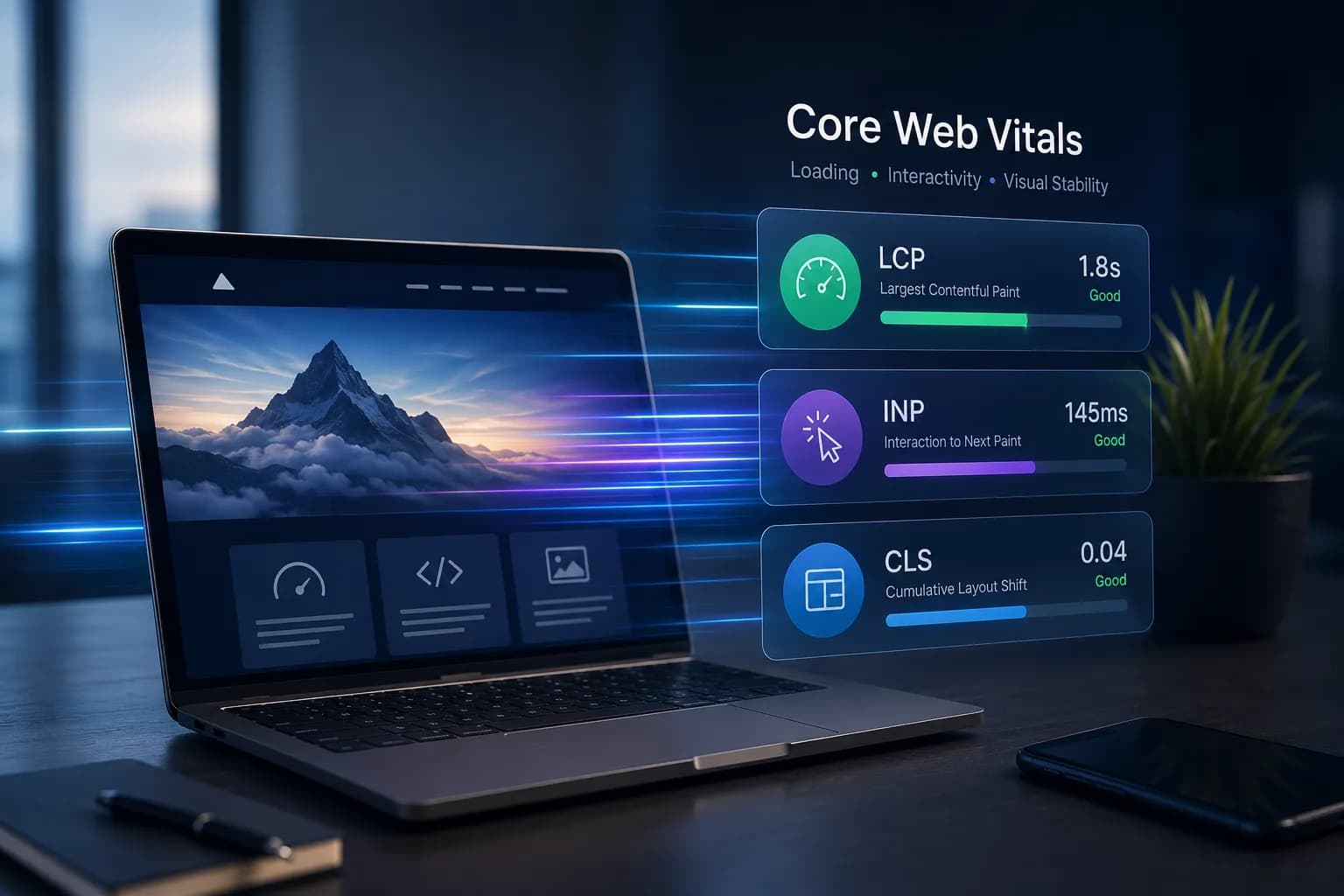
Before: WordPress store · PageSpeed 38/100 on mobile · LCP 7.2s · INP 680ms · CLS 0.31
After optimisation: PageSpeed 94/100 · LCP 1.8s · INP 145ms · CLS 0.04
Business result: +23% conversions over the next 60 days.
// SINGULARITY EDGE STUDIO
Core Web Vitals — built in from day one
On every new project, Core Web Vitals are in the requirements from the start, not added later. With Next.js — excellent scores by definition. With WordPress — performance audit and optimisation as standard.
We guarantee a PageSpeed Score above 90/100 for every project we build. If we do not achieve it — we fix it for free.
Website speed optimization → · SEO + AI services → · Choosing hosting →
Request a performance audit of your site
Free Speed Audit: Mobile/Desktop score, LCP and page weight — then a concrete improvement plan.
Free Speed Audit →Conclusion
Core Web Vitals are not a technical detail for developers. They are directly linked to Google rankings, conversion rates, and business revenue.
Check your site scores in PageSpeed Insights. If any metric is in the red — you have technical debt that costs you money every day.
// TOPICS
Author
Singularity Edge Studio
Engineering studio for web and software — Plovdiv, Bulgaria. We build corporate sites, SaaS, e-commerce, and DevOps infrastructure with a focus on measurable outcomes.
// MORE ARTICLES
Why 90% of Businesses Lose Customers in the First 3 Seconds — and How to Stop It
A slow website costs thousands of euros per month in lost customers. Global statistics, user psychology, Core Web Vitals, the top 6 technical problems, and a concrete action plan.
SEOWhat Does the Google PageSpeed Score Mean?
PageSpeed Insights scores from 0 to 100 — but what do they actually measure? Lab vs field data, Core Web Vitals, common misconceptions, and how to interpret your results.
SEOWhy Does My Website Load Slowly? 10 Real Reasons
Unoptimised images, heavy JavaScript, slow servers, missing cache, web fonts, third-party scripts, and more — the 10 most common causes of a slow website and how to fix each one.