Over the last few years, artificial intelligence has advanced at an unprecedented pace. Large language models (LLMs) such as GPT-4o, Claude 3.5 Sonnet, and Gemini 1.5 Pro have proven they can generate code, analyse complex text, and hold intelligent conversations. Still, until recently the AI ecosystem suffered from one fundamental problem: data isolation.
Every time a company wanted to connect its AI assistant to an internal database (PostgreSQL), a CRM (Salesforce/HubSpot), local file systems, or external APIs (GitHub, Slack, Jira), engineers had to write custom, hard-to-maintain “bridges” and expensive RAG architectures.
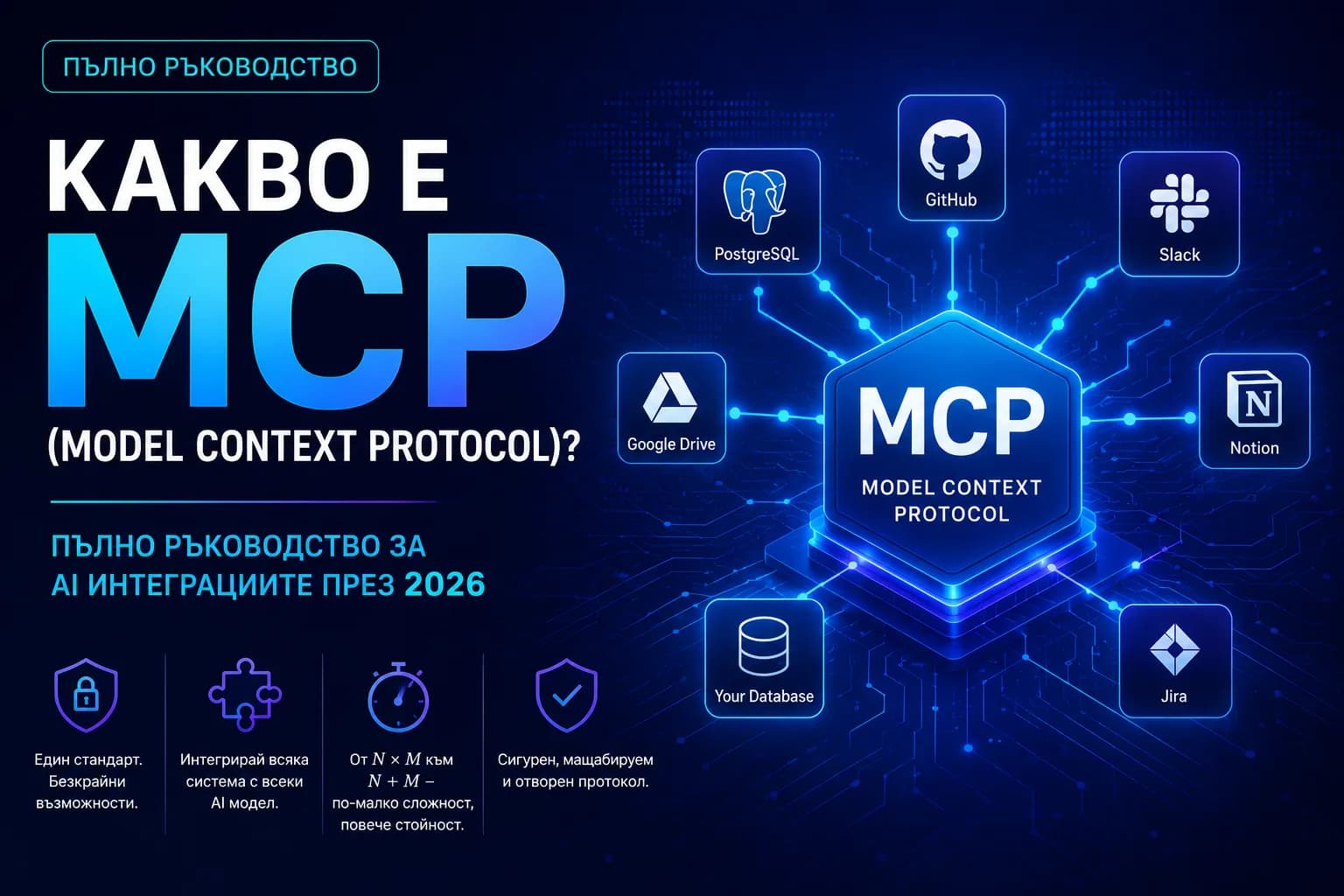
Enter Model Context Protocol (MCP) — the open standard created by Anthropic and rapidly adopted across the industry in 2025 and 2026. In this in-depth guide from the Singularity Edge Studio team, we explain what MCP is, how it works under the hood, why it is reshaping AI integrations, and how your business can benefit.
What is Model Context Protocol (MCP)?
Model Context Protocol (MCP) is an open-source protocol that standardises how AI applications (MCP Clients) provide context to large language models (LLMs) and let them safely interact with external data sources and tools (MCP Servers).
MCP is to AI applications what USB-C is to hardware, or what HTTP is to the web. Before USB-C, every vendor had its own cable. Likewise, before MCP every platform (OpenAI, Anthropic, LangChain, AutoGen) used its own Function Calling / Tool Use format. MCP ends that fragmentation with a unified communication protocol.
+-------------------+       MCP Protocol       +-------------------+
|    MCP Client     | <----------------------> |    MCP Server     |
| (AI App / Claude) |    (JSON-RPC 2.0)        | (Database/API/FS) |
+-------------------+                          +-------------------+
The problem MCP solves: from N × M to N + M
To understand MCP’s value for software engineering and business, start with the architectural-complexity problem.
The old model (the N × M trap)
Imagine you build 5 different AI apps (internal chatbot, coding assistant, support tool, financial analyser, and sales assistant). Each needs access to 10 company systems (PostgreSQL, GitHub, Notion, Slack, Stripe, Google Drive, and so on).
Before MCP you had to create and maintain 5 × 10 = 50 separate integrations. Every Slack or Stripe API change meant updating code in 5 places.
The new MCP model (N + M architecture)
With Model Context Protocol each system exposes a single MCP Server (e.g. an MCP Server for PostgreSQL). Each AI assistant uses an MCP Client. You end up building 5 + 10 = 15 components. Complexity drops sharply, maintenance costs fall, and security improves systematically.
| Criterion | Traditional custom integrations | MCP (Model Context Protocol) |
|---|---|---|
| Time to ship | Weeks / months per new tool | Minutes (ready-made MCP servers) |
| API change maintenance | High risk of breaking code | Centralised in the MCP server |
| Cross-model compatibility | Tied to one AI vendor | Universal (Claude, GPT, Gemini) |
| Security and control | Hard-to-audit scattered code | Standardised access control |
Architecture and core MCP components
Model Context Protocol uses a client–server architecture and JSON-RPC 2.0 as the transport format.
The three elements of the MCP ecosystem
1. MCP Host / Client
The application the user interacts with, which hosts the AI model. Examples: Claude Desktop, Cursor IDE, Sourcegraph Cody, or your own Next.js / Python web apps.
2. MCP Server
A lightweight app that exposes a system’s capabilities through MCP. The server holds no AI logic — it is an intelligent adapter.
3. LLM
The model that receives the client request, inspects available MCP resources and tools, and decides when and how to use them.
+-------------------------------------------------------------------+
|                            MCP HOST                               |
|                                                                   |
|   +---------------+     Prompt     +--------------------------+   |
|   | User Interface| -------------> |   LLM Engine             |   |
|   +---------------+                | (Claude / GPT / Gemini)  |   |
|                                    +--------------------------+   |
|                                                 ^                 |
|                                                 | (Tool Selection)|
|                                                 v                 |
|                                    +--------------------------+   |
|                                    |       MCP Client         |   |
|                                    +--------------------------+   |
+-------------------------------------------------|-----------------+
                                                  |
                                                  | JSON-RPC 2.0
                                                  | (stdio / SSE)
                                                  v
                                     +--------------------------+
                                     |        MCP Server        |
                                     +--------------------------+
                                                  |
                                                  v
                                     +--------------------------+
                                     | Target System / Database |
                                     +--------------------------+
The three pillars of MCP: Prompts, Resources, and Tools
Model Context Protocol defines three main abstraction types a server can expose to a client:
1. Resources — read-only context data
Resources are data the MCP server offers for the AI model to read: text files, JSON documents, databases, logs, or live reports.
- ✓Example: your database schema.sql, a Notion document, or current accounting reports.
- ✓Security: resources are passive — the model can read them, not change them.
2. Tools — executable actions
Tools are functions the AI model can call to perform a concrete action in an external system.
- ✓Example: send an email, create a Jira ticket, run SQL UPDATE, or trigger a GitHub CI/CD pipeline.
- ✓Protection: execution usually requires explicit user confirmation (human-in-the-loop).
3. Prompts — predefined workflows
Servers can expose a library of improved system prompts optimised for a specific system.
A ready prompt /analyze-code-security that pulls the latest Git changes and feeds them
to the model with a security-audit checklist.
Under the hood: transport and security
MCP connectivity uses two main transport mechanisms:
stdio (Standard Input/Output)
When the MCP server runs locally on the same machine as the client (Cursor IDE, Claude Desktop). Communication is extremely fast — directly through the operating system.
SSE over HTTP
For remote MCP servers. The client sends HTTP POST requests; the server streams responses and events in real time via Server-Sent Events.
MCP security (enterprise-grade)
Traditional integrations often give AI apps excessive privileges (full API keys), creating data-leak risk. With MCP, security is built into the architecture:
- ✓Sandboxing: the MCP server controls exactly which data and capabilities are exposed.
- ✓Explicit consent: when a Tool runs, the user sees a confirmation prompt.
- ✓Access control: straightforward OAuth 2.0 and JWT integration for remote SSE connections.
For a broader view of modern security models, see also Zero Trust Security — the new standard.
Practical example: a custom MCP server in TypeScript
For software engineers, building an MCP server is elegant and fast thanks to official Node.js/TypeScript and Python SDKs. Here is how the Singularity Edge Studio team builds a basic MCP server that exposes a stock-check tool:
import { Server } from "@modelcontextprotocol/sdk/server/index.js";
import { StdioServerTransport } from "@modelcontextprotocol/sdk/server/stdio.js";
import {
  CallToolRequestSchema,
  ListToolsRequestSchema,
} from "@modelcontextprotocol/sdk/types.js";

// 1. Initialise the MCP server
const server = new Server(
  {
    name: "singularity-inventory-server",
    version: "1.0.0",
  },
  {
    capabilities: {
      tools: {},
    },
  }
);

// 2. Declare available tools
server.setRequestHandler(ListToolsRequestSchema, async () => {
  return {
    tools: [
      {
        name: "check_stock",
        description: "Checks available stock quantity for a product by SKU.",
        inputSchema: {
          type: "object",
          properties: {
            sku: { type: "string", description: "Unique product SKU code" },
          },
          required: ["sku"],
        },
      },
    ],
  };
});

// 3. Handle tool invocation
server.setRequestHandler(CallToolRequestSchema, async (request) => {
  if (request.params.name === "check_stock") {
    const sku = String(request.params.arguments?.sku);

    // Simulated business logic (in production — a DB/ERP query)
    const stockQuantity = sku === "PROD-101" ? 42 : 0;

    return {
      content: [
        {
          type: "text",
          text: `Product with SKU ${sku} has ${stockQuantity} units in stock.`,
        },
      ],
    };
  }

  throw new Error("Unknown tool");
});

// 4. Start over stdio transport
async function main() {
  const transport = new StdioServerTransport();
  await server.connect(transport);
  console.error("Singularity Inventory MCP Server started successfully!");
}

main().catch((error) => {
  console.error("Startup error:", error);
  process.exit(1);
});
After compilation, add the server to a compatible MCP client config
(for example claude_desktop_config.json):
{
  "mcpServers": {
    "inventory": {
      "command": "node",
      "args": ["/path/to/dist/index.js"]
    }
  }
}
Any AI model connected to that client can now check stock in real time — without separate algorithms per vendor. Why TypeScript is the natural fit for such integrations: TypeScript as a mandatory standard in 2026.
Why MCP is a turning point for B2B in 2026
For business leaders, CTOs, and product managers, MCP is not just another buzzword. It delivers direct financial and operational benefits:
1. Ending vendor lock-in
Before MCP, if you built your internal stack around the OpenAI Assistants API and its Function Calling format, migrating to Claude or Gemini meant rewriting large parts of the code. With MCP, your data and tool infrastructure stays intact — you can switch AI models in minutes.
2. Faster knowledge transfer and automation
Every company suffers from data silos: customers in HubSpot, tasks in Jira, code in GitHub, docs in Notion. Through MCP one AI assistant gets safe access to all of them at once — it can read a Jira ticket, inspect GitHub code, compare Notion requirements, and open a pull request.
Related reading: how to automate business processes with AI and AI agents as a one-developer team.
3. AI-first software architectures
In 2026, modern software is no longer designed only for human UI/UX. It is designed with an AI-first API layer powered by MCP. If your B2B product ships an official MCP server, customers can instantly plug it into their AI assistants — a major competitive advantage.
How Singularity Edge Studio can help
At Singularity Edge Studio we specialise in high-performance web apps, headless architectures, and next-generation custom AI integrations. We help businesses go from concept to delivery through:
- ✓Custom MCP servers — connect your databases, ERP, and CRM to leading AI models with strong security standards.
- ✓AI integration architecture consulting — transport protocols, models, and data strategies.
- ✓Optimisation and headless solutions — ultra-fast Next.js, React, and TypeScript environments ready for GEO and AI agents.
Ready for the era of connected AI?
Let’s discuss how MCP and modern AI technologies can transform your digital products and internal processes.
Get in touch →Conclusion
Model Context Protocol (MCP) completely changes the rules of software development and artificial intelligence. By turning complex, bespoke integrations into a universal, secure standard, MCP opens the door to truly autonomous AI systems that understand business context in depth.
Is your company ready for the era of connected AI? Contact the Singularity Edge Studio team to discuss next steps.
// TOPICS
Author
Singularity Edge Studio
Engineering studio for web and software — Plovdiv, Bulgaria. We build corporate sites, SaaS, e-commerce, and DevOps infrastructure with a focus on measurable outcomes.
// RELATED FAQ
// MORE ARTICLES
One Developer = a Whole Team: How AI Agents Changed Web Development and Software Engineering
Rakuten cut Time-to-Market from 24 to 5 days with Claude Code. We're entering the era of the "One-Person Crew" — how autonomous AI agents, multi-agent systems, and 1M context windows change ROI, roles, and SEO.
AIHow AI Changed Web Development Prices in 2026 — A Business Guide
A custom site that took 3–4 months and 5,000–15,000 EUR now takes 4–6 weeks and costs half as much. How AI changed timelines, pricing, vibe coding risks, and how to evaluate a quote.
AIHow to Automate Business Processes with AI — A Practical Guide for 2026
Concrete processes, tools, and prices for AI automation in small business. Customer support, documents, CRM, marketing — step by step with an ROI formula and real results.